PHOTO GUIDE
How to take the perfect pet photo
Better photos = better portraits. Here's exactly what our AI needs to produce stunning results.
Start creating my portrait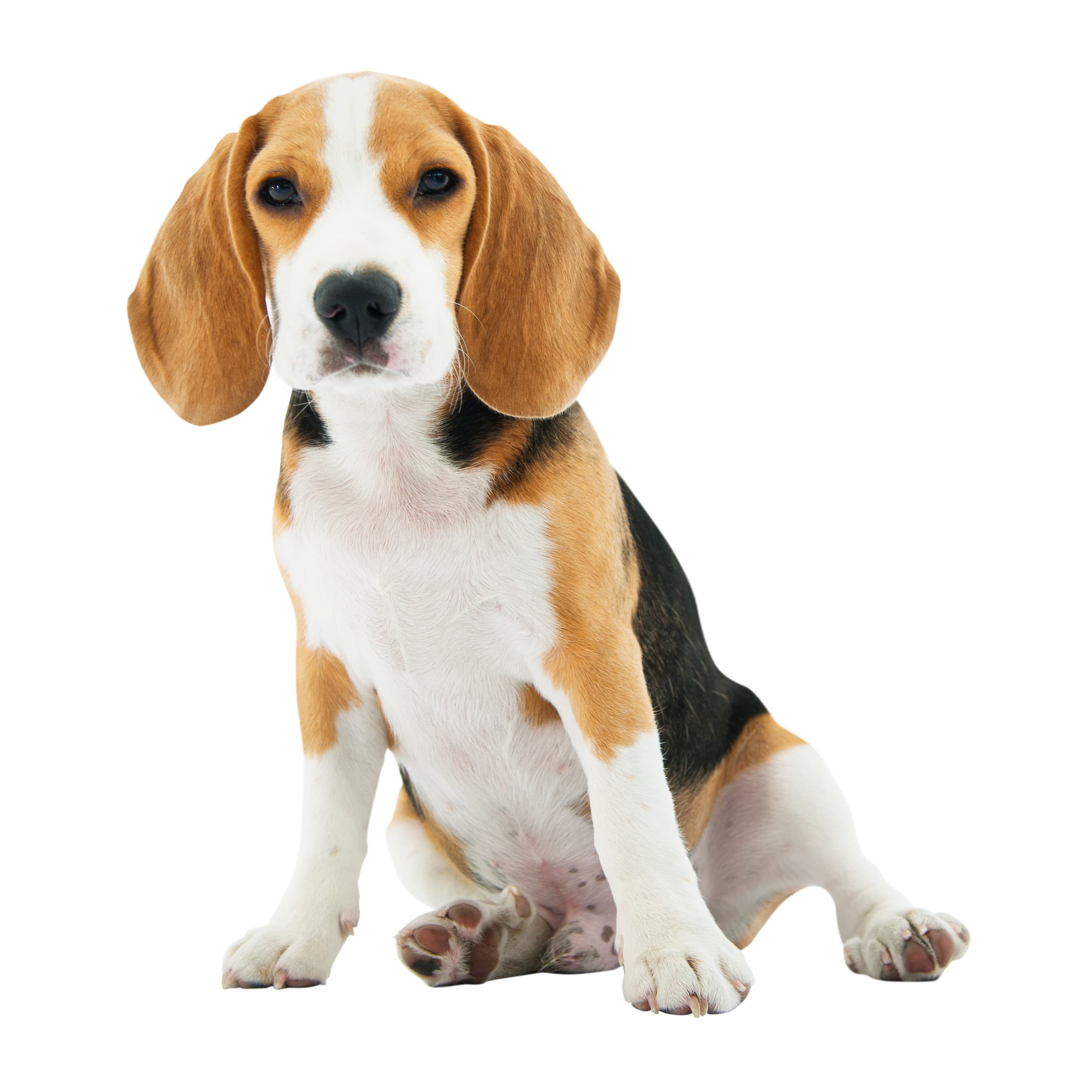
Great dog photo example
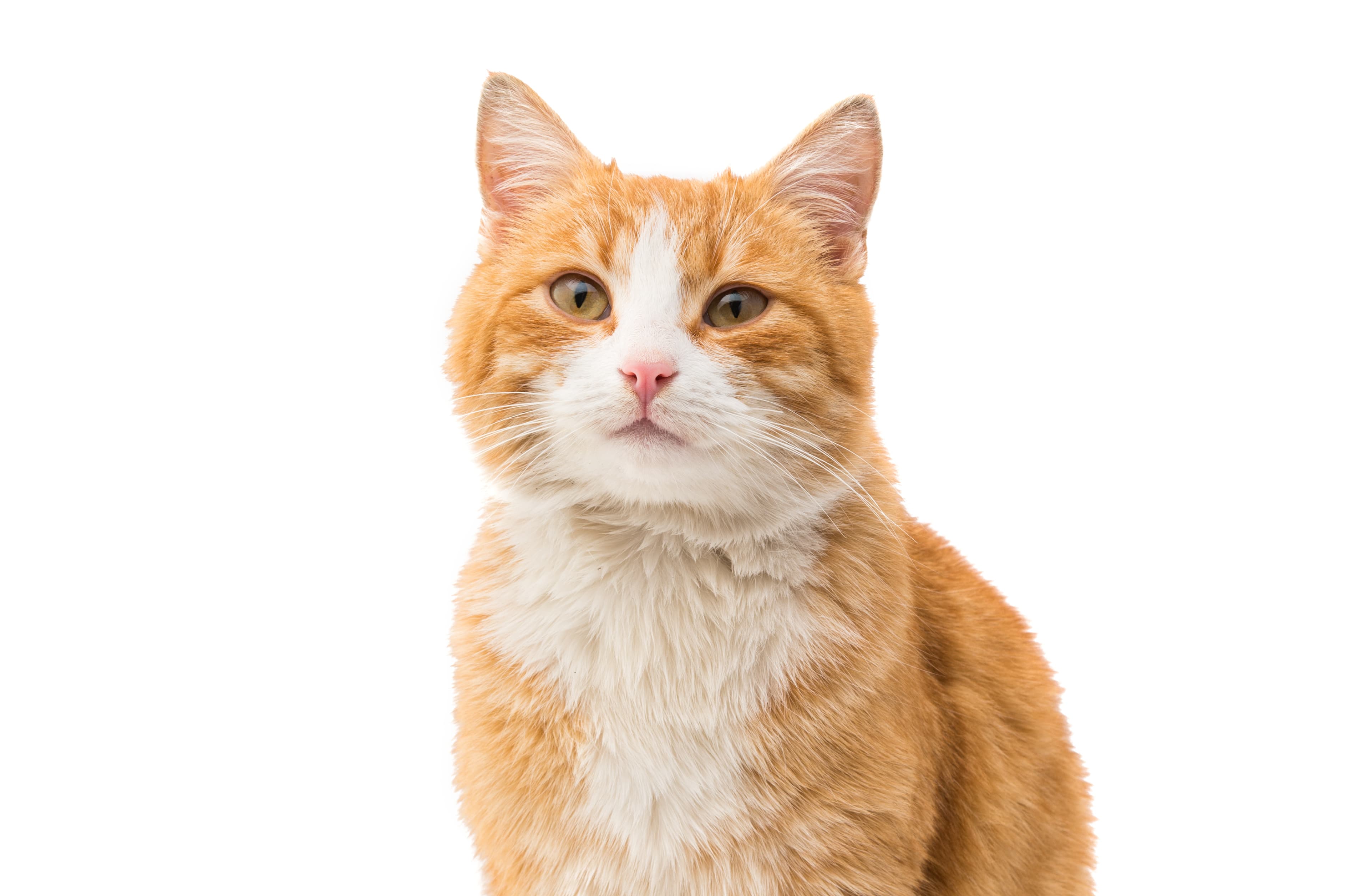
Great cat photo example
1
Lighting
Do — Good lighting
- Natural daylight near a window
- Soft, even light across the face
- Overcast days are perfect — no harsh shadows
Don't — Bad lighting
- Flash photography (creates glare & red-eye)
- Harsh shadows across the face
- Backlit subjects that become a dark silhouette
2
Face & Angle
Do — Great angle
- Pet facing directly toward the camera
- Both eyes clearly visible
- Relaxed, natural expression
Don't — Poor angle
- Side profile only — AI needs both eyes
- Blurry motion shots
- Pet looking away or head tilted far down
3
Photo Quality
Do — High quality
- Clear and sharp with no blur
- Minimum 1000 × 1000 px resolution
- Standard JPG or PNG file format
Don't — Low quality
- Screenshots of photos (double compression)
- Heavily filtered or edited images
- Very low resolution or pixelated files
4
Common Mistakes
Do — Fill the frame
- Head and shoulders fill most of the photo
- Pet's face is the clear subject
- Minimal distractions in the background
Don't — Common errors
- Whole body shot from far away
- Multiple pets in the same frame
- Accessories (hats, glasses) covering the face
Ready? Create your portrait
Upload your best photo and watch our AI turn it into a beautiful framed portrait.
Create my portrait →